
This document provides a summary of some of the work the TrackOne Studio development team have worked on recently. We have tried to include only those that are of interest to the majority of schools. Minor changes, or custom development affecting only a single school, have not been included.
New developments and improvements
Pastoral
Incident Date Filters
Added a date filter (Current Period, Current Year, All) to the incident views in the Student Portal, Parent Portal, and Staff Pastoral Results. It defaults to the current period, and the period label follows your school's semester or term terminology.
Configuration and Administration
Settings Change History
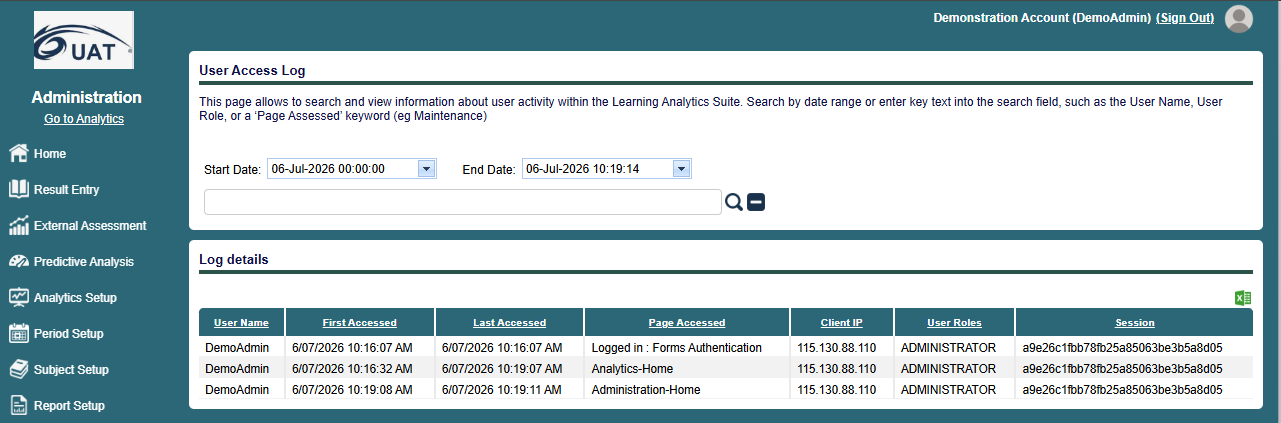
Settings changes are now tracked with a full change history, recording who changed what, when, and the old and new values (including deletions). This covers objective schemas, result maps, Activate Features, and markbook templates and setup. View it from each settings area, or from the new Settings Change History tab in Admin > System Configuration, filtered by area, action, user, and date.
Result Maps, Bulk Entry
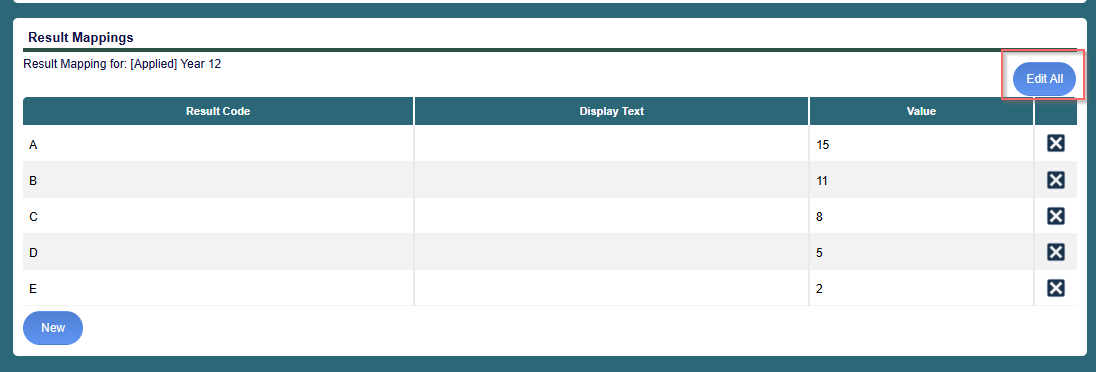
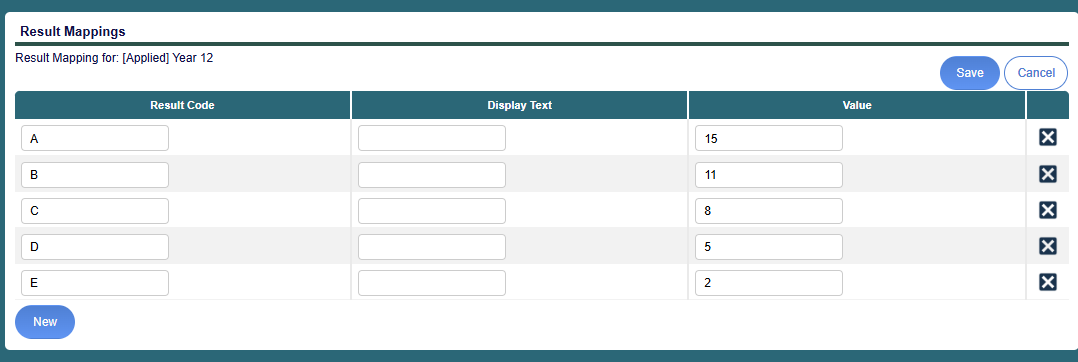
Result maps can now be edited in bulk directly in the grid view (Admin > Analytics Setup), replacing the previous one-at-a-time editing.
Analytics
Student Participation, Period Range
Student participation now supports a "from" and "to" period range instead of a single period, pre-loaded to the latest period.
External Results, 'All' Date Handling
Corrected the 'All' option in Analytics > External Results > Assessment Results so results respect the configured assessment dates.
Fixes
Reporting and Alerts
- Recurring Alerts and Reports: Fixed multi-week or multi-day recurrences (for example every 2 weeks) firing every week or day instead of respecting the configured interval.
- Monthly Alerts and Reports: Fixed monthly items being sent on the last day of the month even when that day was not selected.
- Scheduled Alerts: Handled a previously unhandled error when viewing run details on a scheduled alert.
- Student Profile Printing: Corrected student profiles printing across three pages instead of two, and subject description handling on the transcript for Edumate schools.
Results, Attendance and Display
- Attendance Counts: Split-month absences now create separate summary entries per term, so absences are counted under the correct term.
- Progressive Results: A result of 0 is now included when calculating progressive results.
- Continuous Reporting Notices: Fixed the previous-semester result notice, and the enrolment-status note now only displays when activities exist (Student Continuous Results).
- External Results: Removed a criteria filter that was applied incorrectly in Analytics > External Results. Criteria filtering is handled via Admin > External Assessment > Assessment Filtering.
- External Assessment Snapshot: The snapshot screen in Analytics > School Results now scrolls horizontally when a large number of assessments would otherwise be cut off on 1920x1080 displays.
- Student Placemat and Transcript: Corrected errors on the Student Placemat notes and the Academic Transcript when subject details were missing.
Users and Access
- User Sync, Duplicate Usernames: Added a clearer error message when a duplicate username is encountered during sync.
- User Sync Setup: Fixed an error when saving Administration > User Management > User Sync Setup with multiple student groups set to overwrite existing account details including roles.
- Criteria Comparison: Added clearer error handling and messaging on the Criteria Comparison page.